Recording an Audio File
A visible or transparent button can be placed in the Diagram window that, when clicked, plays an existing audio file. This capability is set up with the Link button in the Diagram window. New audio files can be recorded in this dialog
Enter the name of the audio file that you wish to record. Note that the file name should include the directory and it must have a .wav file name extension. The Browse button facilitates selection of an existing audio file.
Click the Start button to start the recording. Click the Stop button to stop the recording. At this point, you can Play the recording or return to the Diagram window by clicking the Done button.
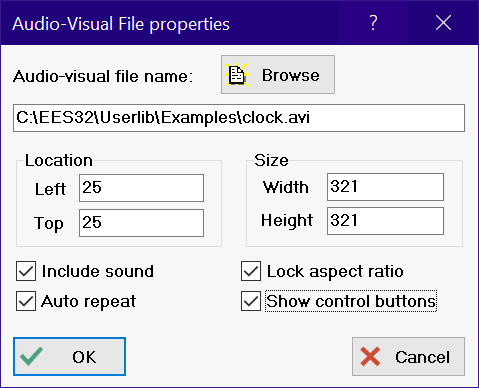
The audio-visual control information can be viewed or changed by right-clicking in the item rectangle while in Development mode.
See also: Diagram Links