Engineering Tools Info
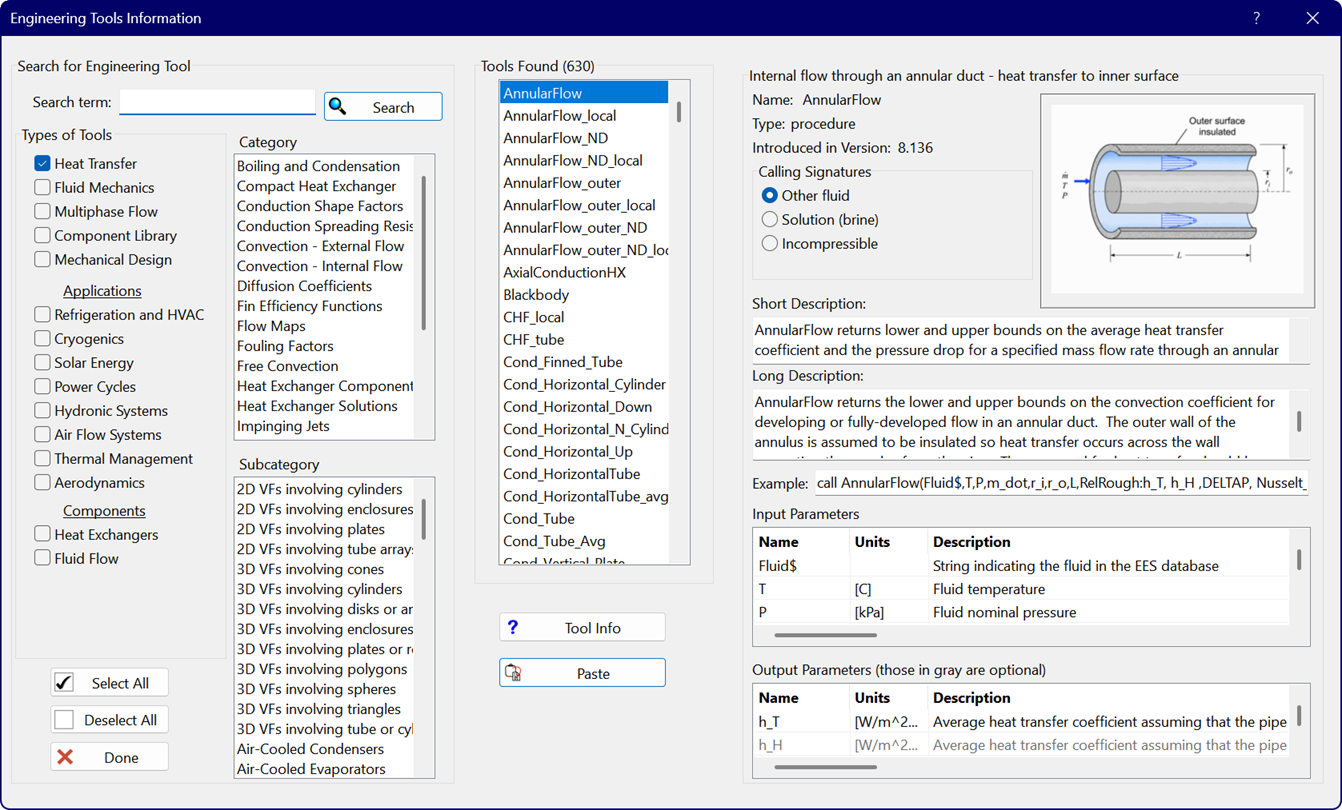
The Engineering Tools Info menu item will bring up the Engineering Tools Information Dialog that provides an index of all of the tools provided with the EES program.
Enter a search term at the top left. Click the appropriate check boxes in Types of Tools and Applications to narrow the search results. The search results appear in the Tools Found list in the center of the dialog. The right panel will provide information for the selected tool. Click the Tool Info button to display the page in the Help file for this tool.